01
Healthcare XR
Diagnostics, rehabilitation, and digital therapeutics, where device reliability directly affects the care being delivered.

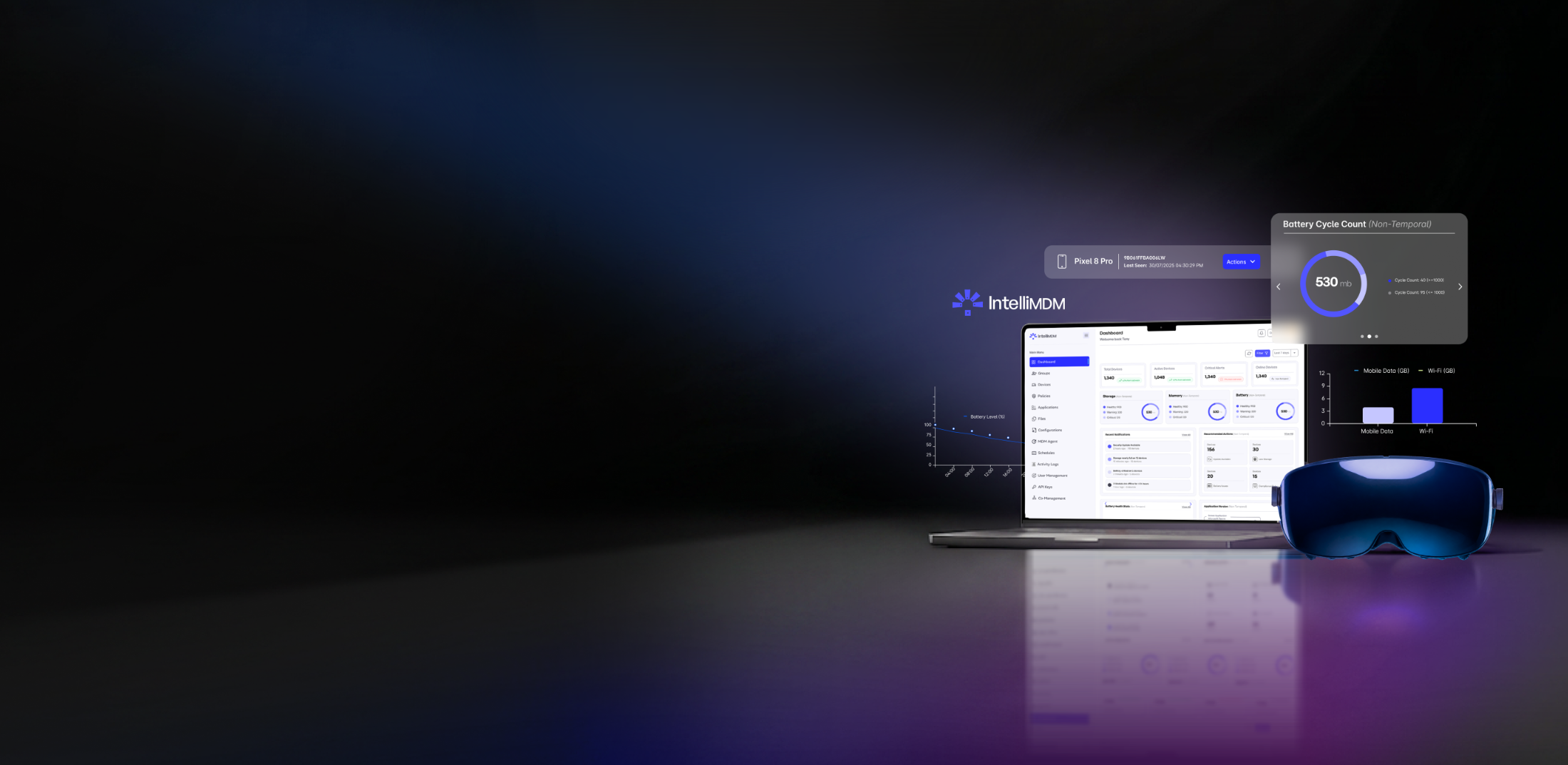
IntelliMDM manages the one modality generalist device tools were never made for, healthcare XR.
IntelliMDM is your one secure place to manage healthcare XR and Android devices, firmware and OTA updates, calibration drift monitoring, and audit-ready fleet records, part of the IntelliXR platform from day one.

IntelliMDM helps healthcare technology teams manage Android and XR devices from one secure web portal. Teams enroll devices, organize them into groups, apply policies, manage applications, send files, schedule updates, monitor activity, manage users, and support devices remotely, all from one place. IntelliMDM manages Android and XR devices today, with healthcare as the primary focus regardless of the device type.
A single healthcare XR deployment can include a headset, a tablet, a controller, a software application, a cloud connection, and a support process. Generalist device management tools weren’t made to see calibration drift on an eye-tracking headset, so it shows up as a support ticket instead of a metric. IntelliMDM tracks it per device, with firmware and OTA state in the same record, the things an audit actually asks for. It’s the fleet layer made specifically around healthcare XR.
Prepare Android and XR devices for management through the IntelliMDM provisioning workflow.
Group devices by clinic, customer, team, location, or program.
Apply policies, deploy apps, distribute files, and act on a group instead of one device at a time.
Track device health, activity, and compliance status from a single console.
No separate tools. No manual device-by-device work. One workflow, start to finish.
IntelliMDM is focused on healthcare companies that manage devices as part of their product or service experience, where every device supports a clinical workflow, a patient interaction, or a regulated process, not just a general fleet of company hardware.
Diagnostics, rehabilitation, and digital therapeutics, where device reliability directly affects the care being delivered.
Simulation and training environments that need consistent device behavior across every classroom, lab, or training site.
Tablet-based clinical workflows and controlled device deployments, where data integrity and device control matter as much as the research itself.
User invitation and access management, with two-factor authentication support.
Activity logs with full user attribution on every action.
Device and group-level controls, application permission management.
Made to support the structured operations healthcare, enterprise, and regulated technology environments require.